

VS Code extension
Run tools on your selection, inside your editor.
Select text, pick a tool and put the result back without leaving your file. For VS Code 1.96 or newer and compatible editors.
Install from VS Marketplace
Or open Quick Open (Cmd+P or Ctrl+P) and run ext install devtoolora.devtoolora
Open VSX for Cursor and other editors is coming soon.
What you get
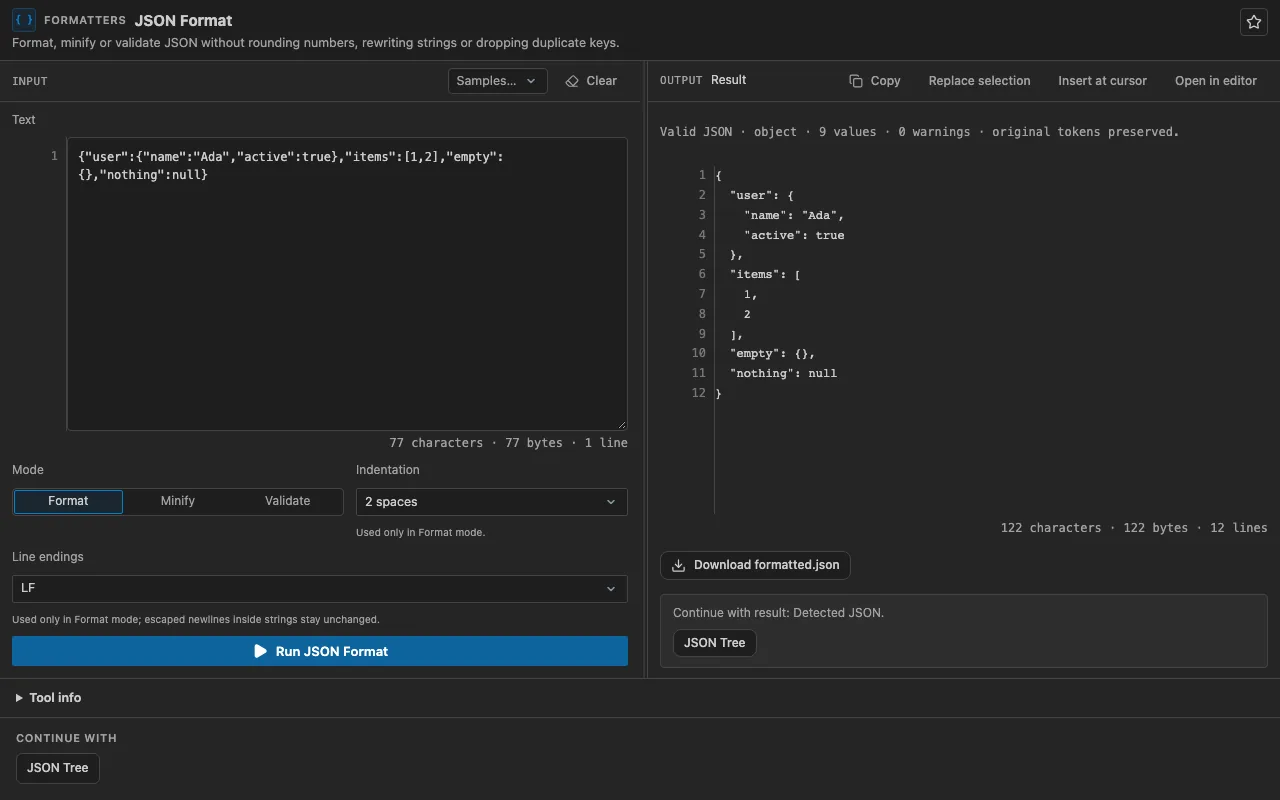
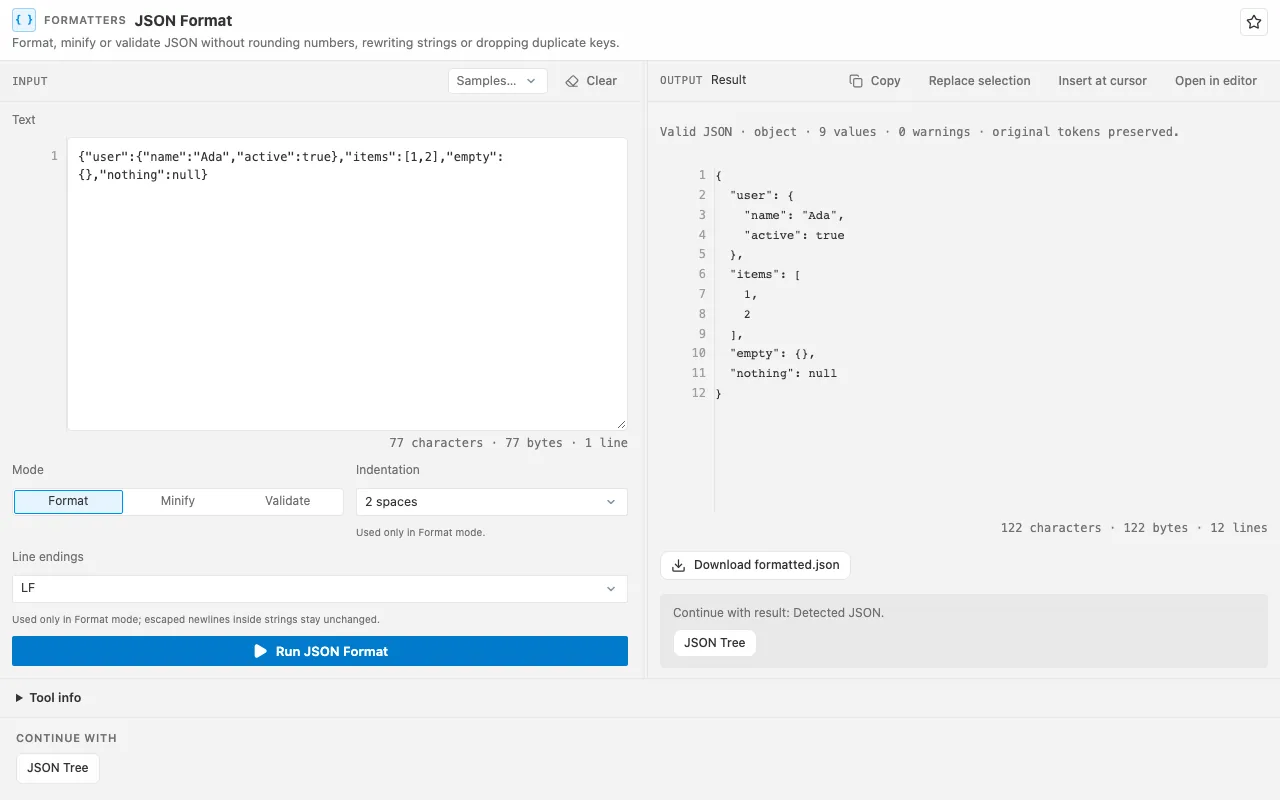
Results go back into your file
Replace the selection, insert at the cursor or open the result in a new editor.
Fits your editor
The panel uses the colors of your VS Code theme and adjusts as you resize it.
Keyboard first
Press Shift+Cmd+R, or Shift+Ctrl+R on Windows and Linux, to run the active tool.
Picks up where you left off
Your input is restored when the panel reloads, and favorites stay in the sidebar.
Commands
Open the Command Palette and type “Dev Toolora”.
- Dev Toolora: Transform Selection...
- Pick a tool and load the selected text into it.
- Dev Toolora: Suggest Tools for Selection
- See which tools fit what you selected.
- Dev Toolora: Run Tool...
- Find a tool by name and open it.
- Dev Toolora: Base64 Encode File
- Encode a file from the Explorer.
- Dev Toolora: Open Active Tool in Editor
- Open the current tool in an editor tab.
Use every tool now on the web.
The browser version runs locally and works offline after installation.